Ready to run background checks the modern way?
Running a small business means doing it all: hiring, onboarding, payroll, and figuring out which background checks each role actually needs. Checkr Assistant offers background checks clarity right in your dashboard, so you get a straight answer instead of a guessing game.

AI-powered screening recommendations, tailored to your hire
Not every role carries the same risk. But most small businesses don't have the time to figure out which screenings are right for each role.
That's why we built an AI-powered screening recommendations experience alongside Checkr Assistant. Answer a few questions about your industry and the role you're hiring for, and in seconds you'll get a tailored screening recommendation for that role. No more guesswork.

Here's what that looks like across a few different industries:
Transportation
Hospitality
Healthcare
Construction
Business services
CDL driver screening recommendations
To meet federal safety standards and verify a safe driving history:
- Criminal records
- Driving records
- Employment history
- Drug tests
- Health exams
Shift manager screening recommendations
To confirm prior work experience in a supervisory role:
- Criminal records
- Employment history
Nurse screening recommendations
To confirm credentials and protect patient safety:
- Criminal records
- Employment history
- Reference checks
- Professional licenses
- FACIS search
- Drug tests
- Health exams
Laborer screening recommendations
To meet safety requirements in a physically demanding environment:
- Criminal records
- Drug tests
- Health exams
Accounting and finance role screening recommendations
To assess financial responsibility for roles with signing authority or client fund access:
- Criminal records
- Education verification
- Employment history
- Civil cases
- Credit report
If you have questions about your recommended package, Checkr Assistant is there to help. Ask why a specific screening was included, what it covers, or whether there's anything else to consider for the role.
Your guidance, your call
Checkr Assistant guides. It doesn't decide. Every hiring decision stays with you. The Assistant surfaces answers, recommendations, and context so you can move faster and with more confidence, but the call is always yours.
"At Checkr, we believe AI should help people hire with confidence, not take the decision out of their hands. The Checkr Assistant we're launching today is just the beginning of what we're building towards, giving every small business the kind of guidance that once required deep expertise or a dedicated compliance team."
Ilan Frank
Chief Product Officer, Checkr
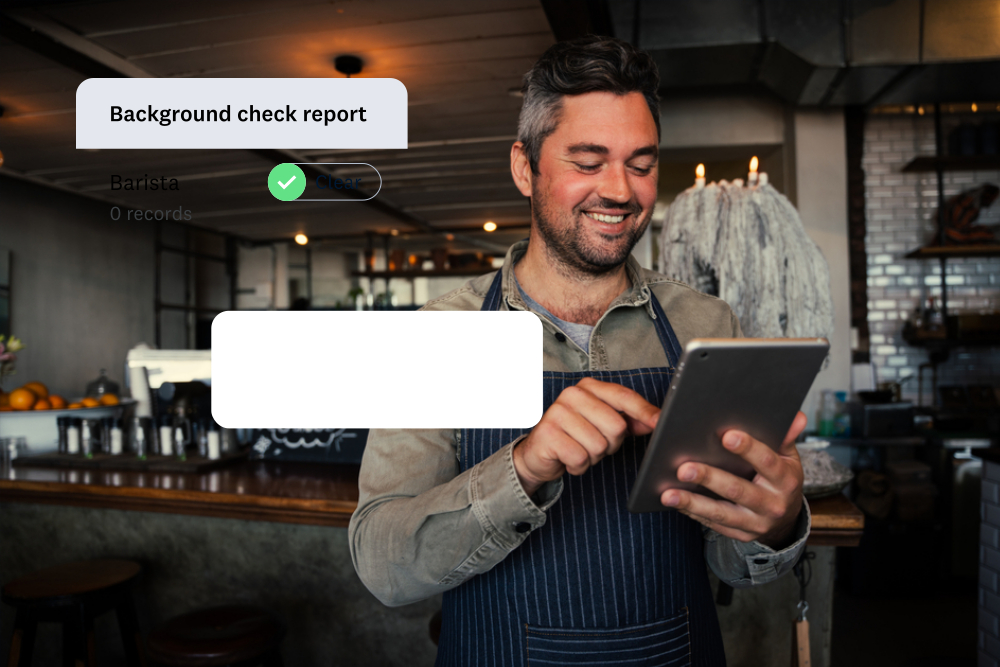
Checkr Assistant gets more capable with every update. Soon, you'll be able to understand charges on a background check report in plain language, directly in the Assistant. Next up: adjudication guidance to help your team review report results more consistently, informed by your organization's own decision history.

Getting started with Checkr Assistant
Look for the Assistant button in the top navigation bar of your Checkr dashboard.
Ask anything about running background checks with Checkr: choosing packages, inviting candidates, checking status, or understanding your reports and billing.
To get AI-powered screening recommendations, go to the Order Background Check page and select "Help me choose." Answer a few questions about your industry and role, and you'll get a tailored recommendation in seconds.
Ready to try Checkr Assistant?
Running background checks on Checkr has never been easier
Beyond Checkr Assistant, we're continuously building toward one goal: making Checkr the single place every small business can run every kind of verification, seamlessly.
- New screenings, such as identity verification and social media search are now available
- A streamlined ordering flow, including the ability to reorder a saved package with a few clicks
- A seamless candidate experience where they receive an email or SMS invite to start a check
- Fast turnaround times: 89% of criminal checks complete within an hour, with clear, easy-to-read reports so you can move from results to decisions quickly
- Integration with 200+ HR, ATS, and payroll platforms, including Gusto, Rippling, BambooHR, QuickBooks, and Greenhouse, so background checks work with the tools you already have
Over 140,000 businesses already rely on Checkr to hire faster and with more confidence. Checkr Assistant has just made it easier.
Run your first background check in minutes

About the author
Wing Poon focuses on helping small businesses thrive. He's spent his career launching products that help small businesses accomplish more—at Appodeal, Envoy, and now at Checkr. Outside of work, his podcast on work and purpose led to his own discovery, now expressed through his travel video storytelling.
Disclaimer
The resources and information provided here are for educational and informational purposes only and do not constitute legal advice. Always consult your own counsel for up-to-date legal advice and guidance related to your practices, needs, and compliance with applicable laws.