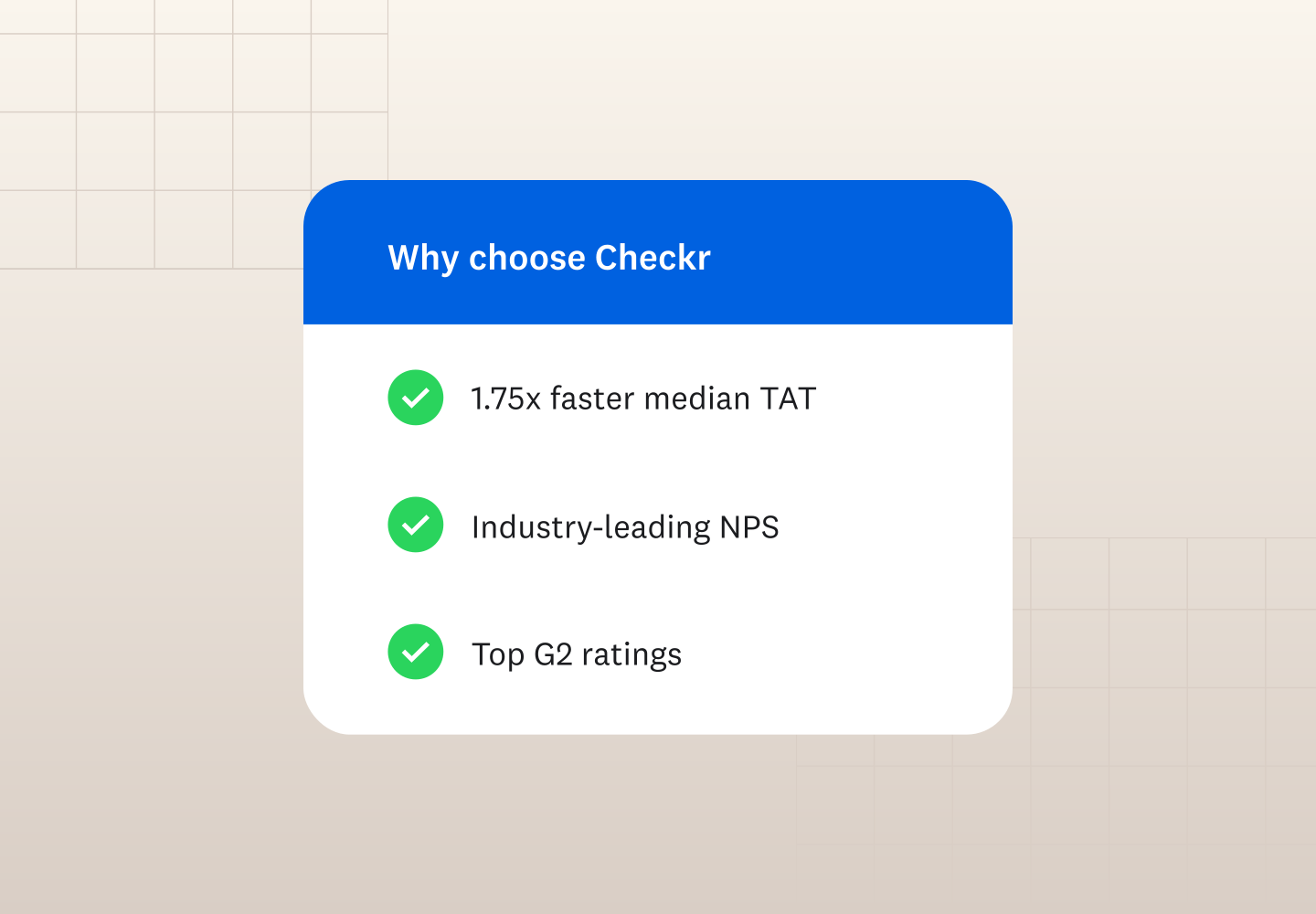

Simplify background check provider evaluations.
Key takeaways
- Compare Checkr and BackgroundChecks.com on turnaround time, compliance support, workflow features, and pricing, rather than relying on a single factor when choosing a provider
- Consider your hiring volume and patterns, including how often you screen candidates and whether you need a straightforward self-service process or more workflow automation
- Assess how much compliance and adjudication support your business needs, especially if you hire across multiple jurisdictions, roles, or regulated industries
- Factor in your budget and turnaround needs by comparing package inclusions, potential add-on and pass-through fees, and published turnaround information
Choosing between BackgroundChecks.com and Checkr isn’t simply about finding the lowest price or fastest turnaround time. Both offer self-service background screening for small businesses, plus compliance tools and convenient pay-as-you-go options. The differences become clearer when you compare how each platform supports your screening workflow.
This BackgroundChecks.com vs. Checkr comparison examines turnaround time, compliance support, automation and integrations, and pricing to help you decide which platform best fits the way your business hires. Here’s what to consider.
At-a-glance comparison
Feature | Background | Checkr |
|---|---|---|
Self-service screening | Yes | Yes |
Pay-as-you-go | Yes | Yes |
Candidate workflows | Yes | Yes |
Compliance-related tools | Yes | Yes |
Integrations/API | Yes | Yes |
Employer adjudication tools | Limited | Yes |
Pre-built integrations | Available | 200+ |
Starting price | $29.99 | $29.99 |
Checkr vs. BackgroundChecks.com: two different approaches to background check screening
Both Checkr and BackgroundChecks.com offer background check services for small businesses, including self-service ordering and tools designed to simplify the screening process. Users of both platforms also frequently mention ease of use in G2 reviews.
The two providers share several features, including candidate screening workflows, compliance-related tools, integrations, and pay-as-you-go options. The differences become clearer when you look at how each platform supports the screening process and how much flexibility, automation, and integration your business needs.
BackgroundChecks.com emphasizes a straightforward and self-service experience, with no contracts or minimums and per-report pricing. Its platform includes tools for candidate applications, disclosures and signatures, status tracking, notifications, dispute resolution, and certain adverse action steps. It also offers integrations and API options for connecting screening with other hiring systems.
Checkr combines self-service screening with configurable workflows and automation designed to support businesses as their hiring needs become more complex. The platform offers more than 200 pre-built integrations with HR and recruiting software, a flexible API, candidate status tracking, and adjudication tools to help employers apply their screening criteria consistently.
Because both platforms offer many of the same core capabilities, choosing between them requires looking beyond basic functionality. Turnaround time, compliance and adjudication support, integrations, workflow automation, and pricing can help determine which approach best fits your business's hiring needs.
Turnaround time and process
Turnaround time can affect how quickly you move candidates from screening to final offer, but published turnaround times don’t always measure the same thing. Keep that in mind when you’re deciding which provider is right for you.
BackgroundChecks.com states that 99%+ of background check reports run through its platform are completed within 48 hours.
Checkr reports 89% of its criminal checks, including county searches, are completed within one hour.
Because these figures measure different types of screening activity, you shouldn’t use them as a direct speed comparison. With either provider, actual turnaround times can vary depending on the searches ordered, the jurisdictions involved, and the availability of source records.
The screening processes themselves start similarly. With BackgroundChecks.com, you provide the candidate’s email address, and the platform sends the candidate an application with the required disclosures and information. Once the candidate completes the application, screening begins. BackgroundChecks.com states that many reports are available instantly after the candidate submits their information, while reports that require additional time trigger an email notification when they’re ready.
With Checkr, you initiate screening by providing the candidate’s name and email address. Checkr then sends the candidate an invitation to complete the screening process, including the necessary disclosures and authorization. As screening progresses, candidates can track their status through Checkr’s candidate portal, which provides dynamic completion-time estimates. This visibility has been shown to reduce inbound questions about background check status by up to 71%.
Checkr also uses automation throughout the screening and report-review process. Its data engine gathers and processes records, while AI-powered tools help reconcile inconsistencies and translate complex record information into easy-to-read reports. Employers can use configurable filters to focus report results based on their predetermined screening criteria, helping reduce the manual work required to review completed reports.
These efficiencies can affect more than the time it takes to return an individual search. One study found that organizations using Checkr shortened their end-to-end background check process by five days, illustrating why it’s worth considering the full screening workflow—not just an advertised turnaround statistic—when comparing providers.
Compliance and adjudication support
Compliance support matters throughout the background check process, from obtaining candidate authorization to deciding how to respond when a report contains information requiring review. Both BackgroundChecks.com and Checkr offer tools designed to help employers manage these responsibilities.
BackgroundChecks.com automates several compliance-related steps, including candidate disclosures and pre-adverse and adverse action notices. The platform provides downloadable disclosure packets with candidate signatures and a built-in process for candidates to dispute information in their reports.
BackgroundChecks.com describes processes for determining which records are reportable before they appear on a completed report. For example, the provider states that it reviews county criminal records to distinguish between reportable and non-reportable offenses and that its matching process accounts for variations in names, dates of birth, and initials, helping to reduce false positives. This reportability review differs from employer adjudication, which applies your organization's hiring criteria to information in a completed report.
How reportability and adjudication differ
Record reportability
What information can appear on the background check report?
- Provider reviews records
- Determines what is reportable
- Completed report
Employer adjudication
How does the employer evaluate the report?
- Employer applies predetermined screening criteria
- Reviews relevant results
- Makes an individualized hiring decision as appropriate
Checkr provides automated initial disclosures, authorizations, and adverse action workflows, along with AI-powered tools that reflect changes in federal, state, and local laws. Employers also have access to experts trained in FCRA compliance. According to one study, Checkr’s automated workflows reduced adjudication resources by 75%.
For employer adjudication, Checkr offers configurable tools that let businesses set screening criteria and apply them programmatically to report results. This helps hiring teams focus on role-relevant information and apply criteria more consistently. Checkr reports that its programmatic screening tools have reduced adverse action rates by up to 20% and candidate rejection rates by up to 10%.
With either provider, these features can support your compliance efforts, but they don’t replace the employer’s responsibilities under the FCRA or other applicable laws. When comparing platforms, consider not only whether compliance-related tools are available, but also how they fit into the way your team reviews reports and makes hiring decisions.
Simplify background check provider evaluations.
Workflow automation and integrations
Screening is only one part of the hiring process. How easily a background check fits into the tools and workflows you already use can affect how much manual work your team has to manage.
BackgroundChecks.com offers integrations with applicant tracking and human capital management systems, plus an API and low-code options to connect screening with other platforms. Its screening workflow also automates tasks such as sending candidate applications, collecting signatures, tracking statuses, sending notifications, and supporting certain adverse action steps.
Checkr offers more than 200 pre-built integrations with applicant tracking systems, HR software, and onboarding platforms, and a flexible API for more customized workflows. The platform can automate steps such as candidate invitations, status updates, and adjudication, helping reduce the number of screening tasks that require manual follow-up.
If you already use recruiting or HR software, check whether your system integrates with each provider and what the integration allows you to do. The right connection can help keep screening within your existing workflow rather than requiring your team to move candidate information between separate systems.
Pricing and contract flexibility
Pricing is another important consideration, but a package’s starting price doesn’t necessarily indicate what you’ll spend on a background check. Compare what each package includes, the screenings you may need to add, and any pass-through fees that can apply based on the searches and jurisdictions involved.
BackgroundChecks.com offers pay-per-report pricing with no setup fees, contracts, or minimums, and also offers volume discounts. Additional court access or other pass-through fees may apply to certain checks.
Checkr offers pay-as-you-go pricing for small businesses, along with customized solutions for organizations with higher screening volumes or specialized needs. Some searches may include additional passthrough fees, and Checkr provides a free estimator tool to help businesses anticipate those costs before ordering.
Here’s how the providers’ standard packages compare based on published pricing as of September 2026:
BackgroundChecks.com packages
Package | Checks included | Starting price |
|---|---|---|
Basic |
| $29.99 |
Complete |
| $44.99 |
Professional |
| $76.99 |
Add-ons | Additional screenings not included in the selected package | Varies by screening |
Checkr packages
Package | Checks included | Starting price |
|---|---|---|
Basic |
| $29.99 |
Essential |
| $59.99 |
Complete |
| $94.99 |
Add-ons | Additional screenings not included in the selected package | Varies by screening |
Pricing shown as of September 2026 and is subject to change. Additional passthrough fees may apply depending on the screenings ordered and jurisdictions involved.
Comparing the package names alone can be misleading, because similarly named packages don’t necessarily include the same searches. First, identify the checks your roles require, then compare the total cost of getting that combination from each provider.
Which background check provider best fits your hiring pattern?
Both BackgroundChecks.com and Checkr offer self-service screening, pay-as-you-go options, compliance-related workflows, and ways to connect screening with other hiring systems. The best background check provider for your small business depends on how you hire and what you need from the screening process. As you compare BackgroundChecks.com and Checkr, consider:
- How often do you hire? If you screen candidates occasionally or at a lower volume, you may prioritize BackgroundChecks.com’s self-service experience, no contracts or minimums, and per-report pricing. If screening is a consistent part of your hiring process, Checkr’s configurable workflows and automation may become more valuable.
- How complex is your screening process? Consider whether you hire across multiple roles or locations, operate in a regulated industry, or need additional support applying screening criteria consistently. Checkr’s compliance-supporting workflows and adjudication tools may be useful when those needs add complexity.
- What tools need to connect with screening? If you use recruiting, HR, or onboarding software, compare each provider’s integrations with your existing systems and the functionality those connections provide.
- What are your time and budget priorities? Compare the screenings included in each package, potential add-on and pass-through fees, and published turnaround information alongside the workflow features your team needs.
Hiring volume alone doesn’t determine the right provider. A business that hires occasionally may still benefit from Checkr’s workflow tools, while one that screens candidates regularly may find that BackgroundChecks.com meets its needs.
Ready to hire with confidence?
Disclaimer
The resources and information provided here are for educational and informational purposes only and do not constitute legal advice. Always consult your own counsel for up-to-date legal advice and guidance related to your practices, needs, and compliance with applicable laws.

About the author
Hayley Harrison began her career as a hiring manager at a mid-size regional bank in the Pittsburgh area. She now brings her experience and knowledge of hiring best practices to her work as a freelancer, helping employers refine and improve their processes.